
0.5" CRT Monitor Experiments
Contents
I’ve long been fascinated by luggable computers, after all, why be portable when you can be luggable. Having a 23-10kg IBM compatible that you can lug around, but still needs wall power, is a fascinating and short lived concept that existed briefly in the 80’s before the dawn of laptops. I particularly like the design of the Compaq luggables, where the front panel cover serves double-duty as a detachable keyboard:
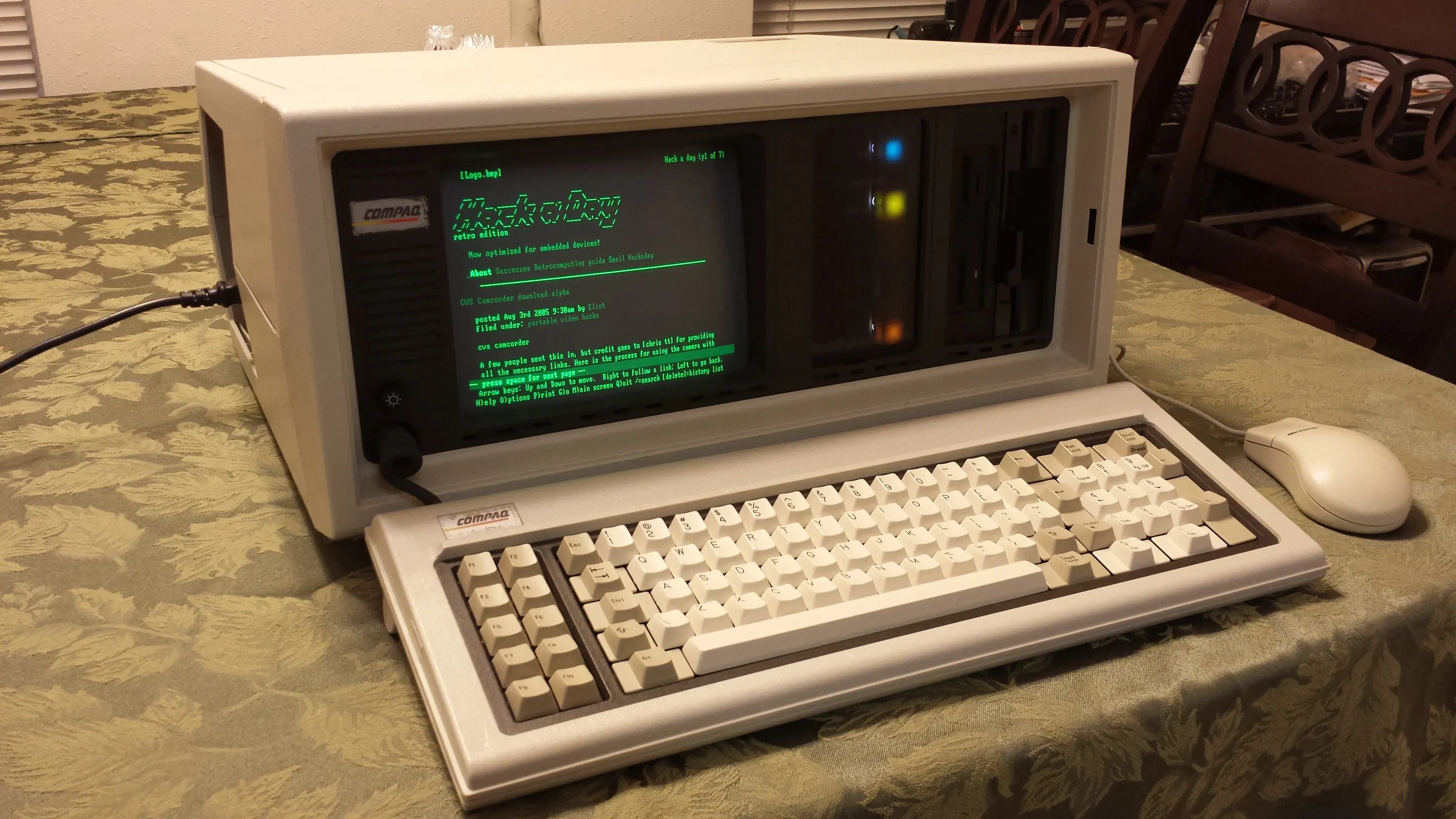
Another key feature of such devices, is their distinctive CRT displays. It’s been on my mind for a while to build a miniature modern luggable PC; around a Raspbery Pi Zero single board computer (SBC) and a miniature CRT display.
Surprisingly, very small monochrome and color CRT displays were produced, for none other than to be used as digital viewfinders for early camcorders.
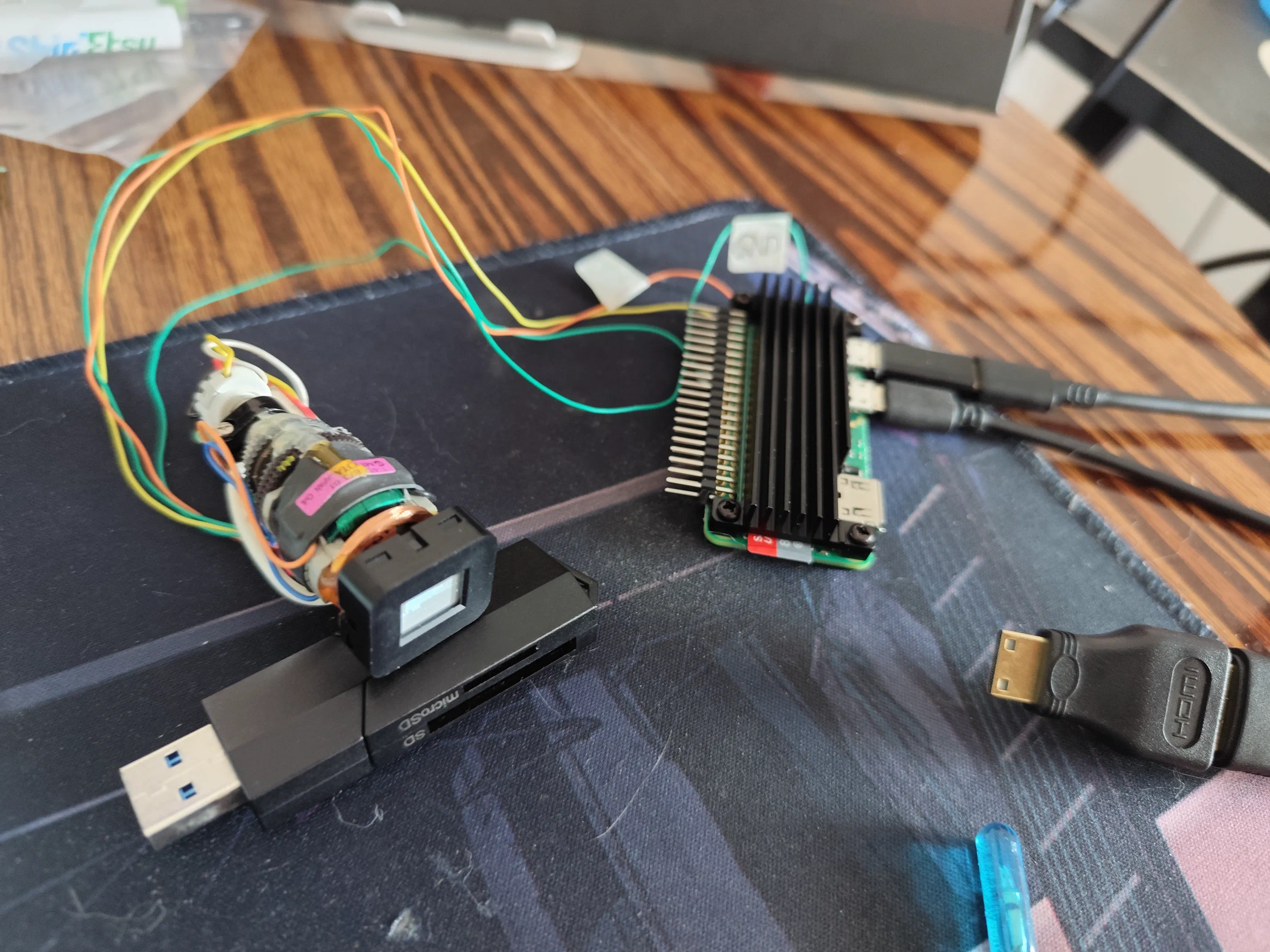
I got my hands on an absolutely tiny 0.5" monochrome CRT and started experimenting with it. Coming in at a measly 10.16x7.62mm, I may have overdone it on the “miniature” aspect…
Setting up the Raspberry Pi Zero 2W
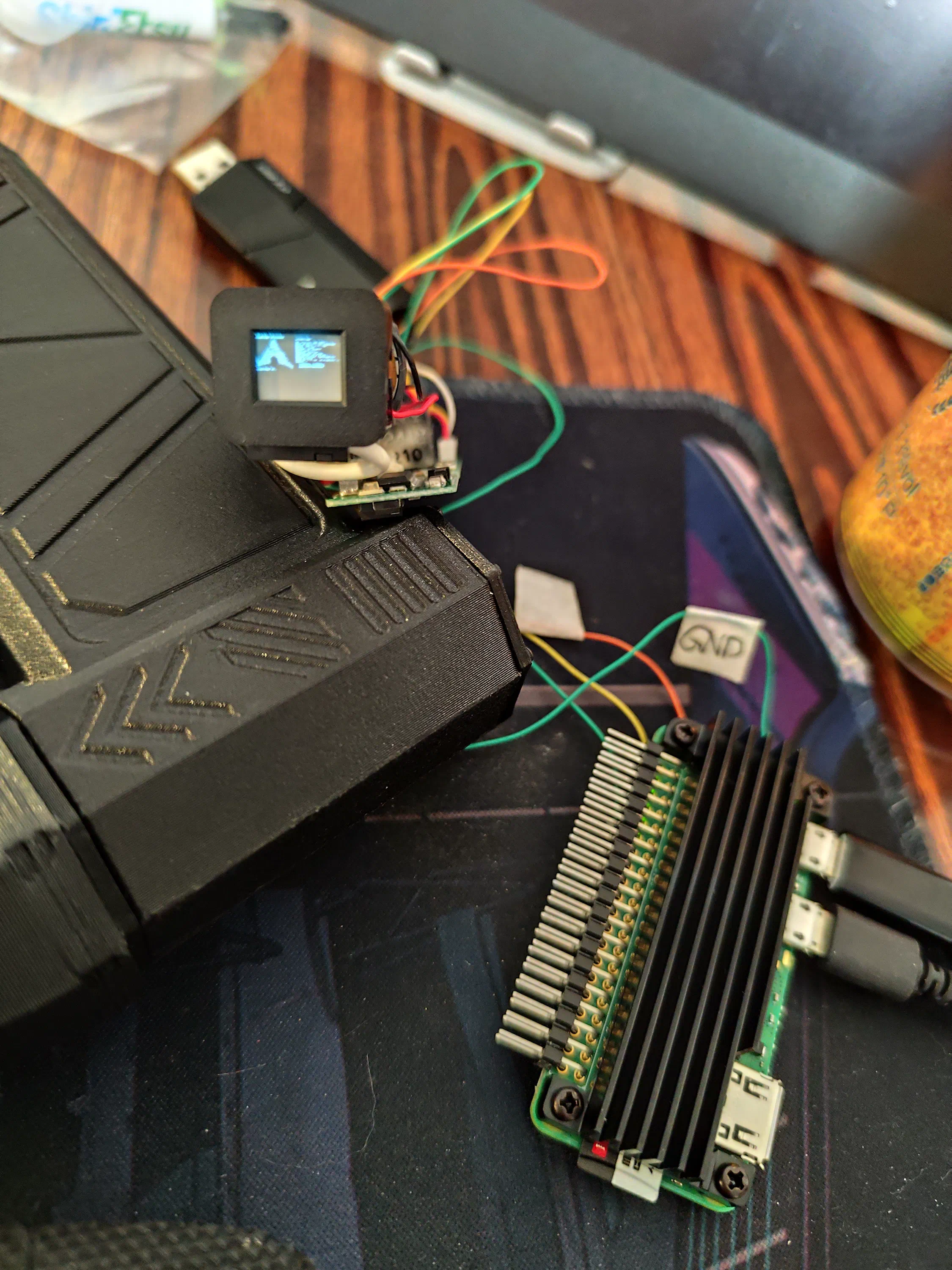
I started by mounting a proper heatsink to the Raspberry Pi Zero 2W. Using a copper shim and thermal paste greatly enhances the heatsink performance to keep those four cores cool.
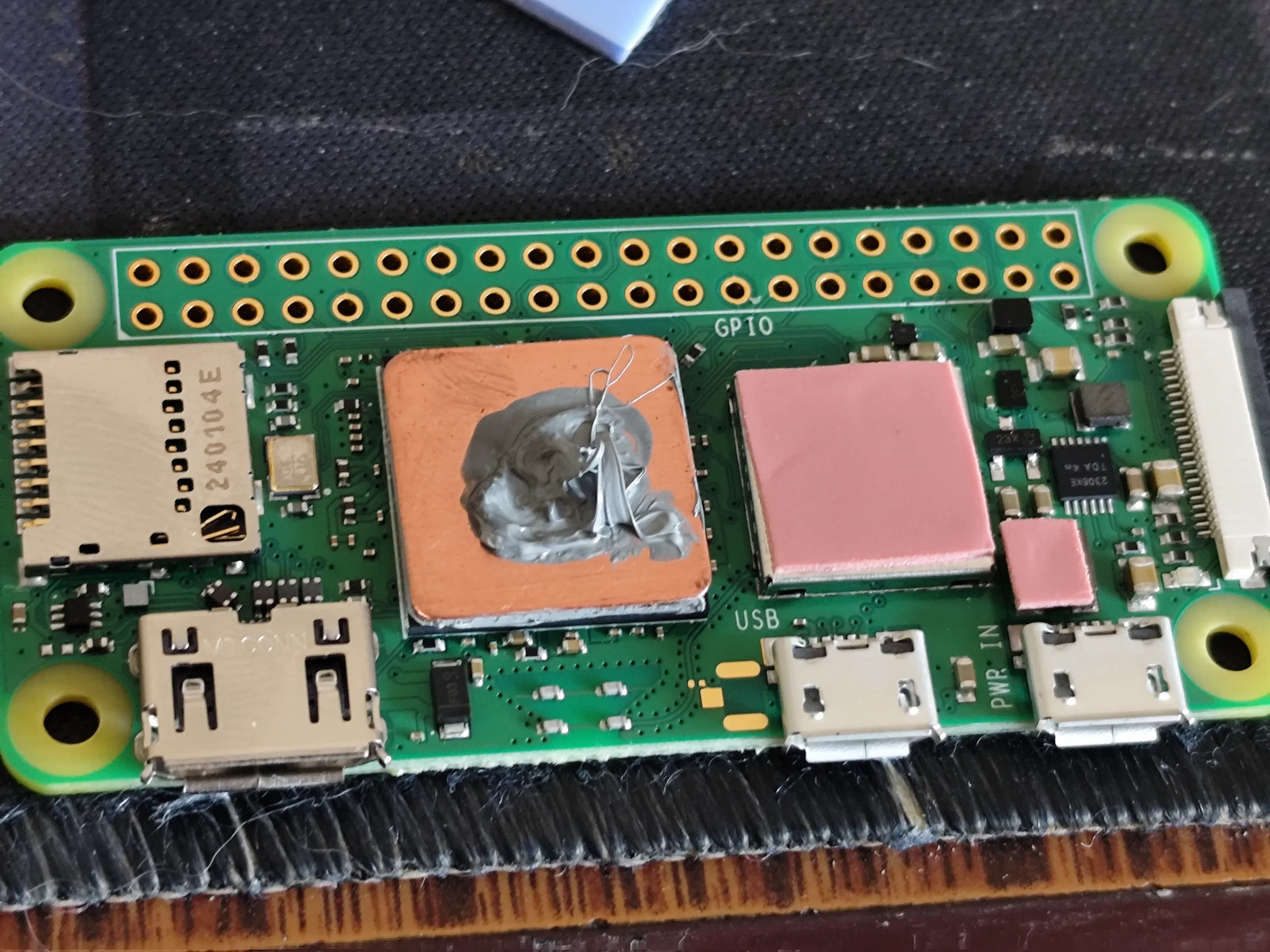
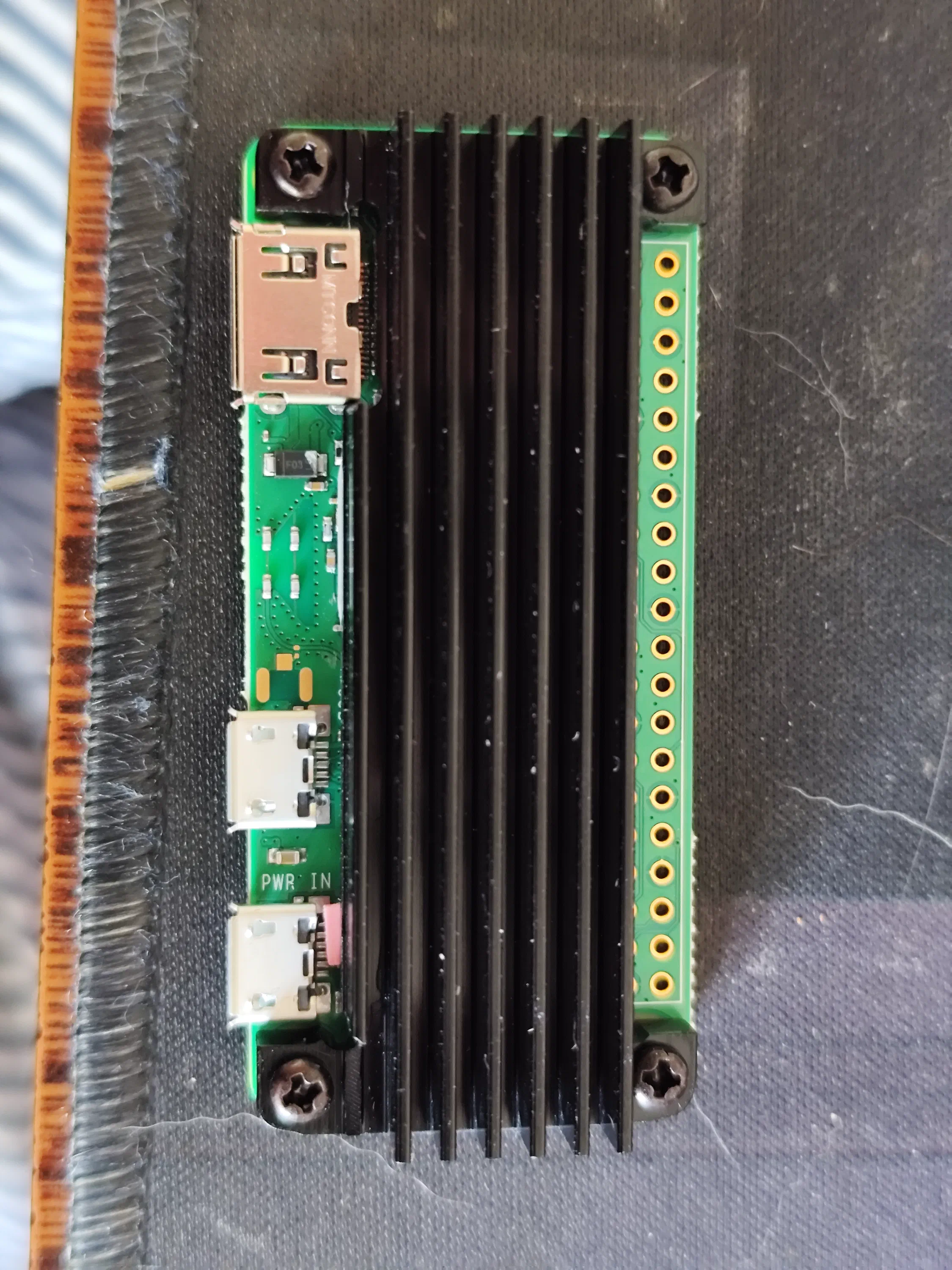
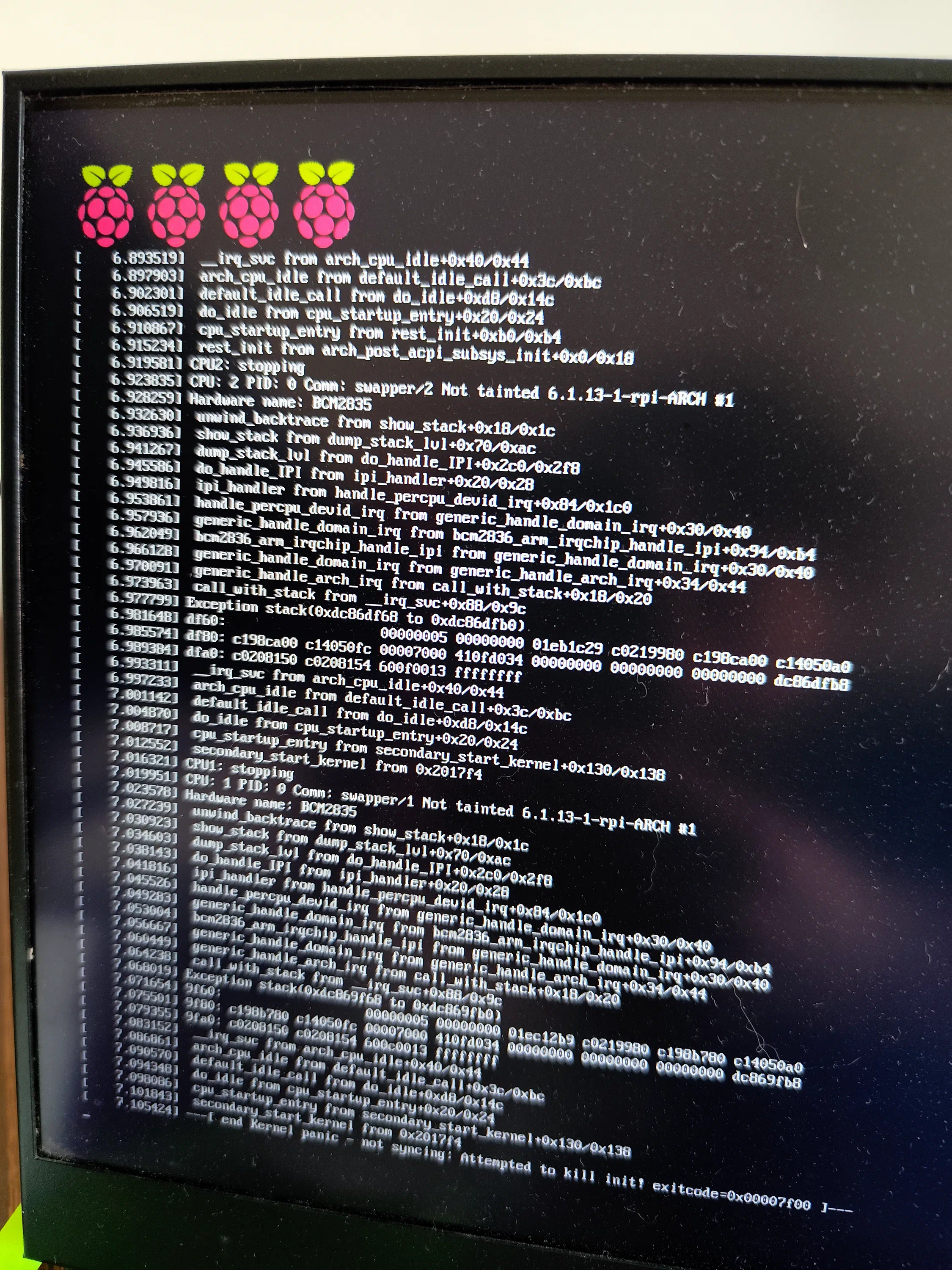
After a quick test with Raspbian OS, I quickly switched over to Arch Linux ARM as this is supposed to be a general-use PC.
Connecting the Mini CRT
These mini CRTs, and in-fact most CRT driver circuits, accept old-school composite video as input. Luckily Raspberry Pi’s natively offer composite output. This made it easy to wire in the mini CRT, as it runs off 5V and can be directly connected to the Pi’s composite video output.
Using a 0.5" Display
Now came the fun part, trying to actually use this display as a normal PC with a keyboard and mouse. As an electronics practitioner who is very used to ready very small chip markings and such, I have to say the display was still just a bit small for me to use normally without squinting. Although the composite video output is capable of outputting high resolution video; it really does not matter at 0.5" size, without some sort of magnification it’s just very hard to read out the tiny and crisp display.
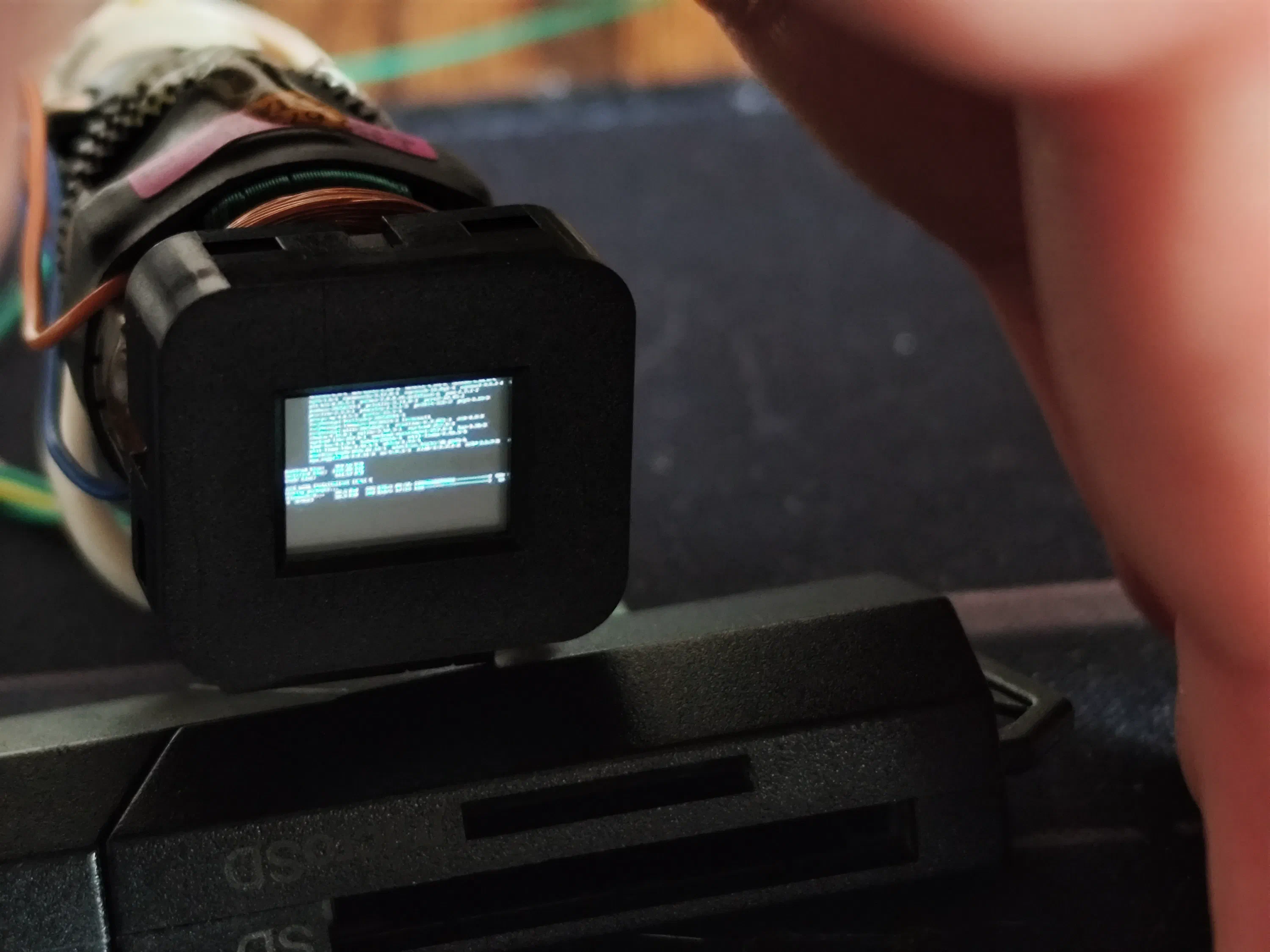
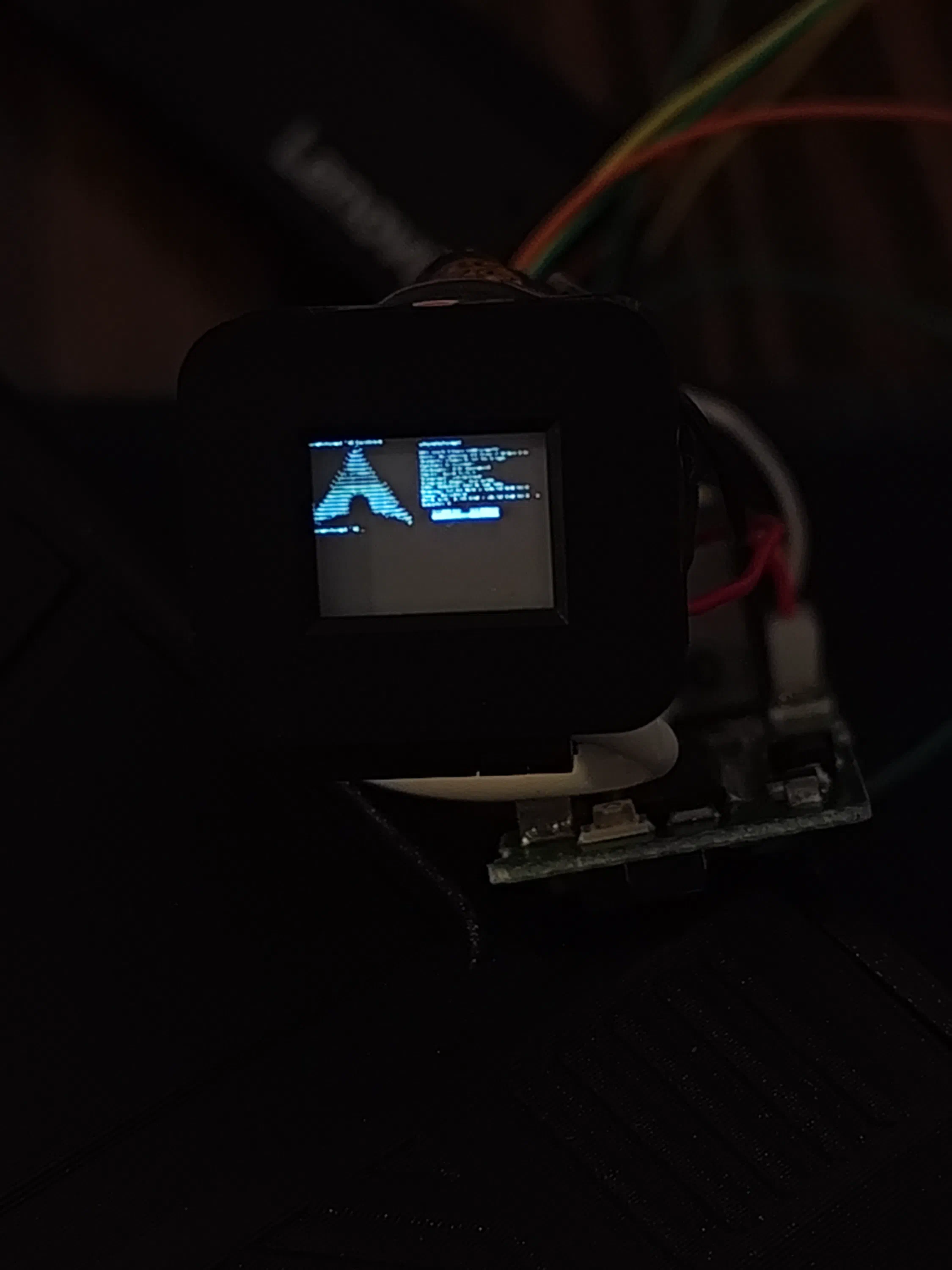
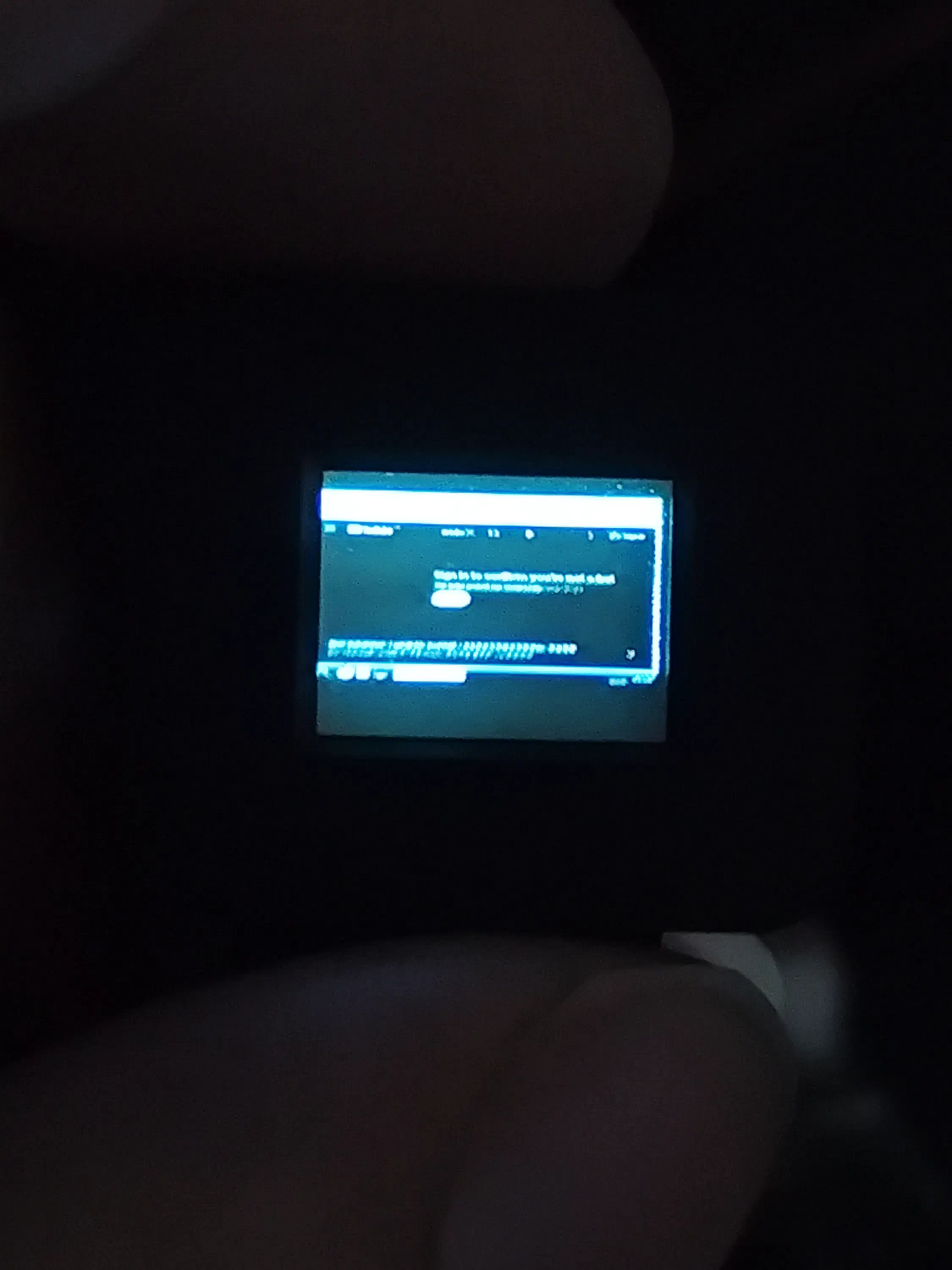
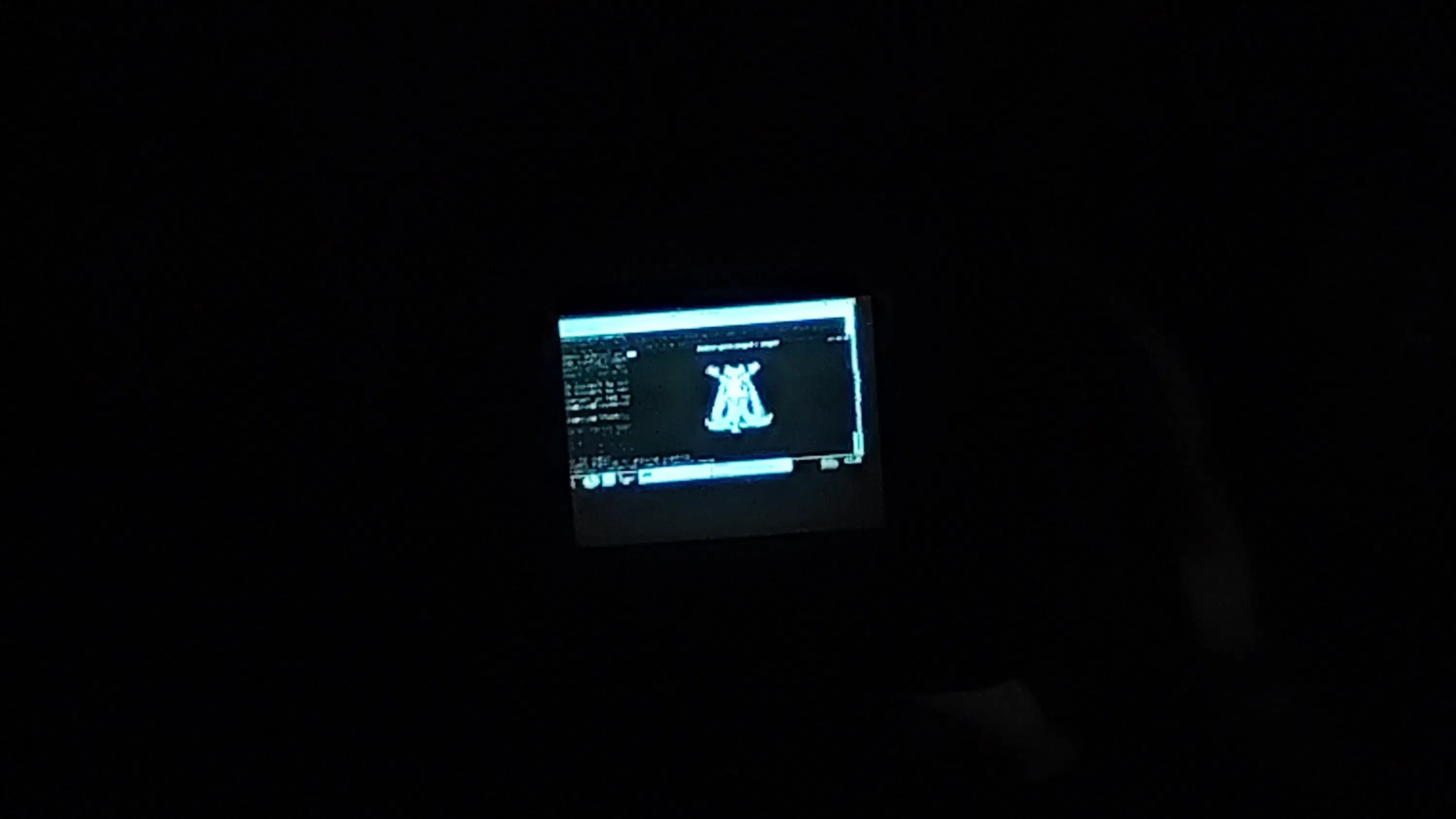
Above you can see me performing some menial tasks; updating Arch Linux, running Neofetch, trying to watch a YouTube video but being asked to sign in, and watching an MMD video.
Overall, this was very promising and definitely delivered the right aesthetic for a mini luggable PC / Cyberdeck build. Perhaps I shall acquire a slightly bigger CRT on the next attempt though, around 1" to 2.5" would be truly usable.
Color Experiments
Unfortunately, color miniature CRT displays are quite rare and hard to get a hold off, often fetching relatively high prices; only some specific JVC/Sony cameras used color viewfinder monitors, but the vast majority just used monochrome monitors.
In spite of this, I experimented with the idea of adding a transparent LCD filter (backlight removed) to introduce some fake color; just like on early experimental color televisions and monitors. I experimented using Blender and setting up a custom render workflow using nodes. I tried first both a full shutter where the video alternately outputs R, G & B frames, as well as a sort of rolling shutter where each frame has 3 RGB strips which roll:
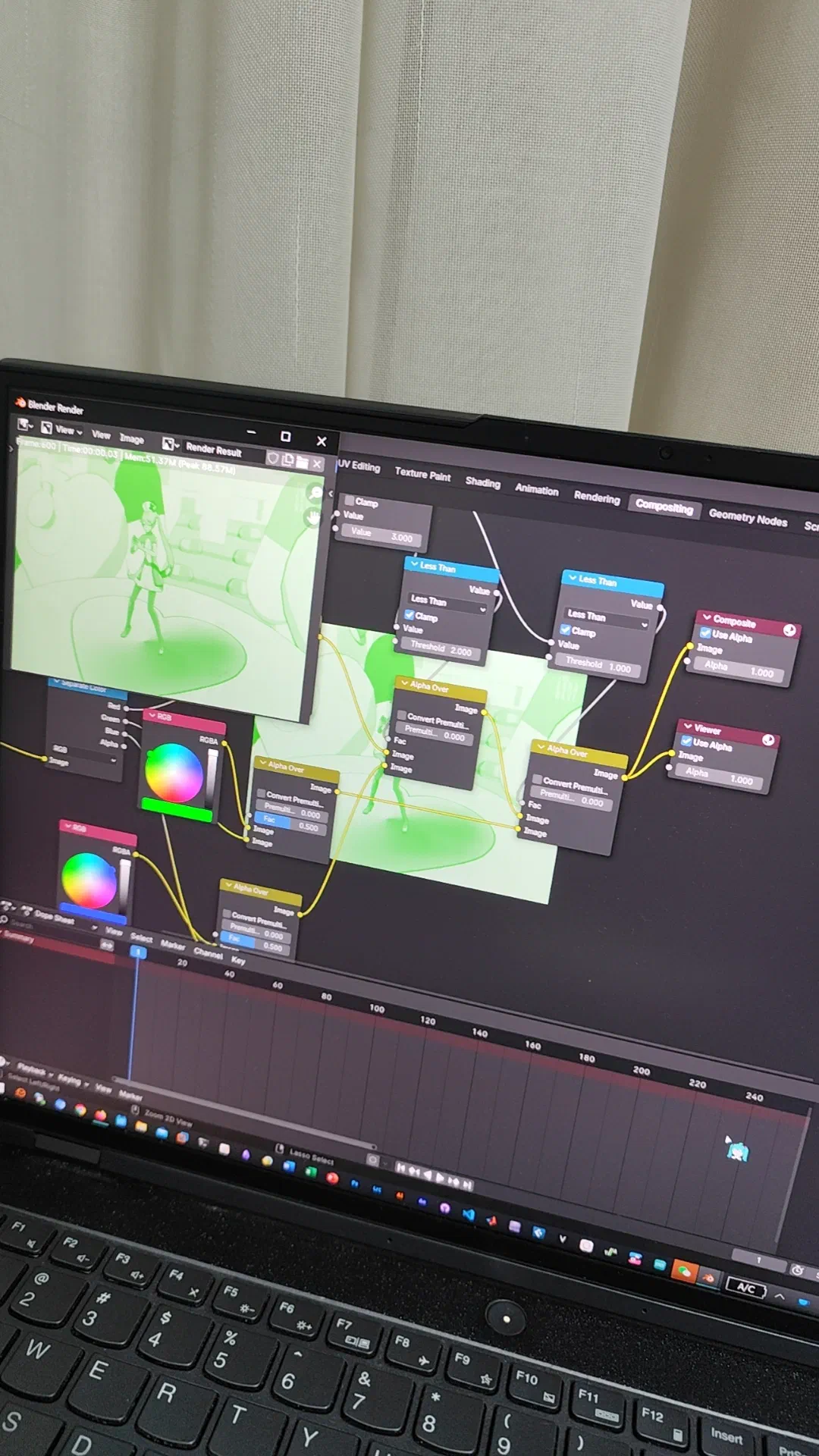
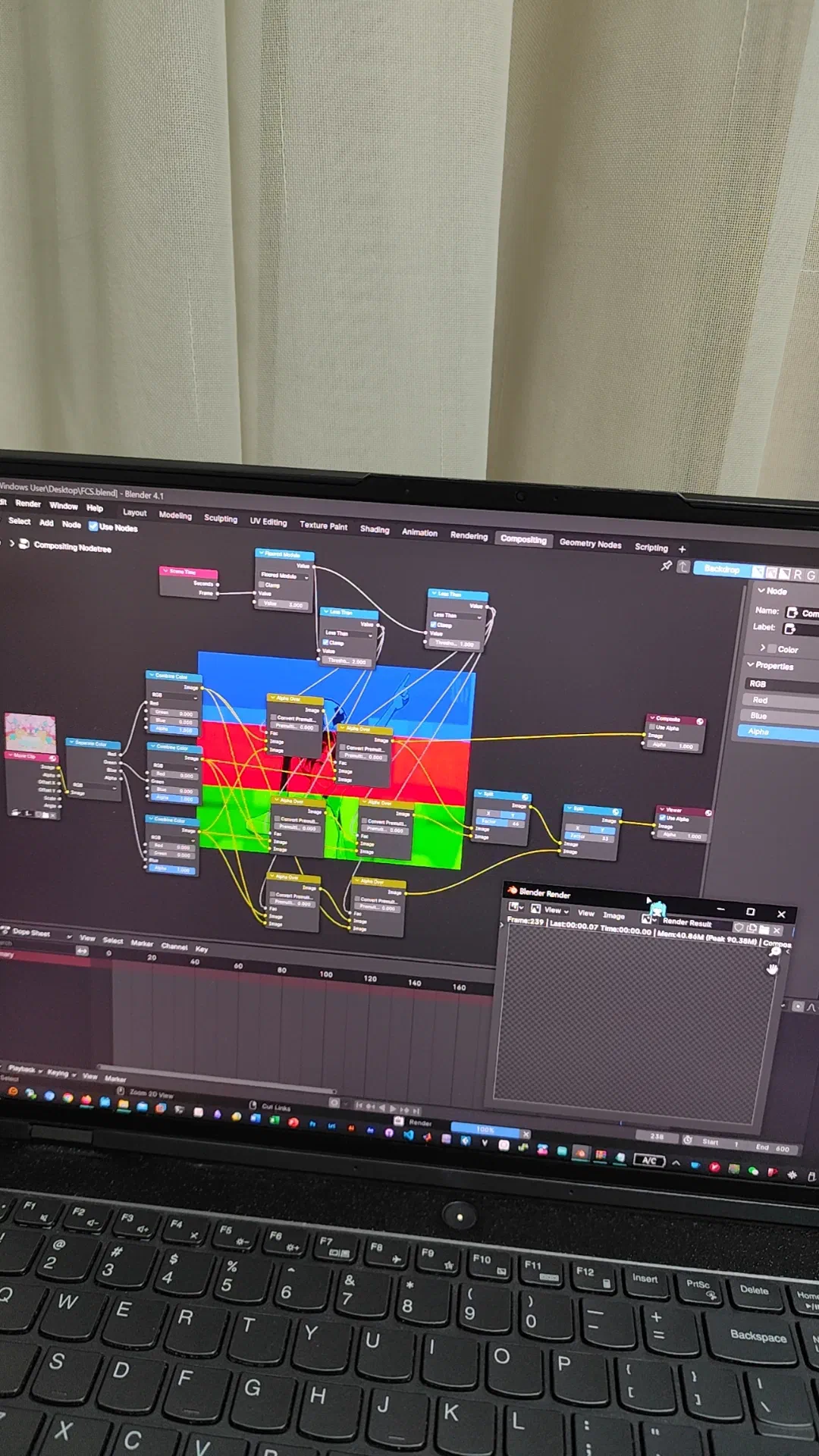
Unfortunately, even on a modern high-refresh 165Hz monitor, the results were less than satisfactory:
Epilepsy Warning: The videos below contain flashing lights.
That’s all for this small dive into the world of miniature CRT displays and luggable computers. Hopefully on my next attempt or exploration I can find a viable build.