
Greeting Apple Script
This is an old cross-post from Instructables, see the original here.
This script will greet you every time you log on to your Mac.


Step 1: The Code
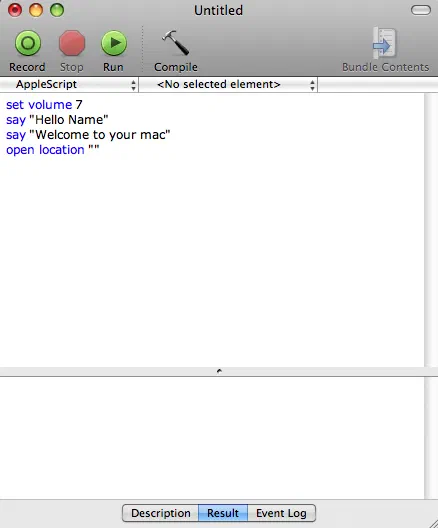
The Code
- Open Script Editor
- Copy and paste the code below
1set volume 7
2say "Hello Name"
3say "Welcome to your mac"
4open location ""
- Change where it says Name to your name.
Step 2: Base File

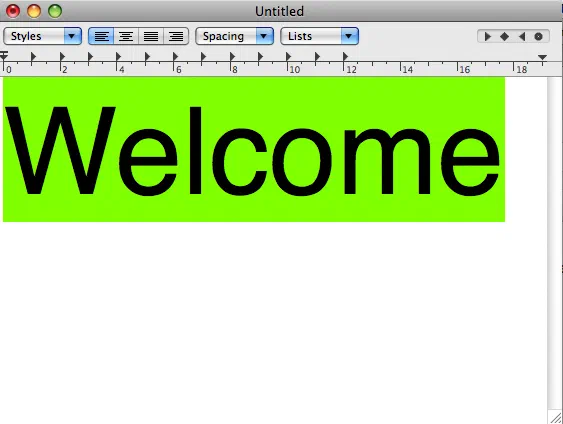
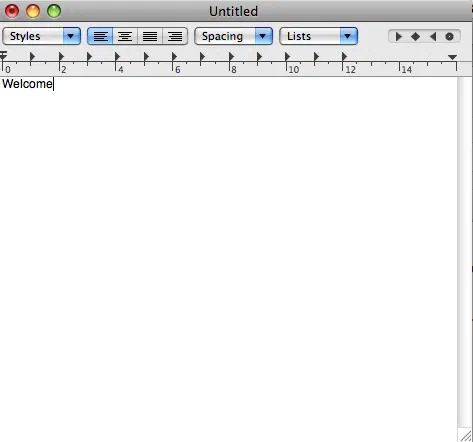
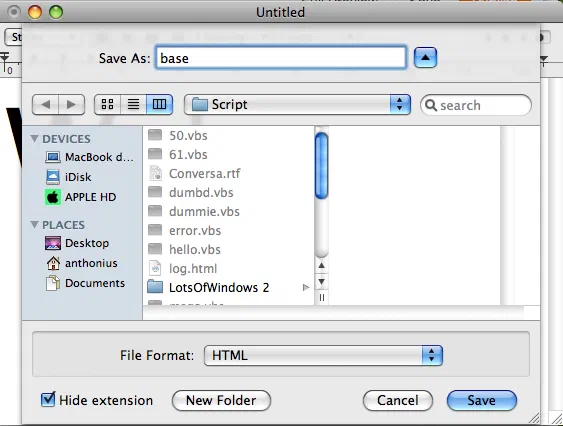
Base File Now were going to make a base file for the script to run.
- Open TextEdit and type in something like “Welcome” (what ever you want I wrote “name’s mac fool’s”)
- Make the font to 101 size
- Save this file as
base.htmlmake sure it ishtml.
Step 3: Next

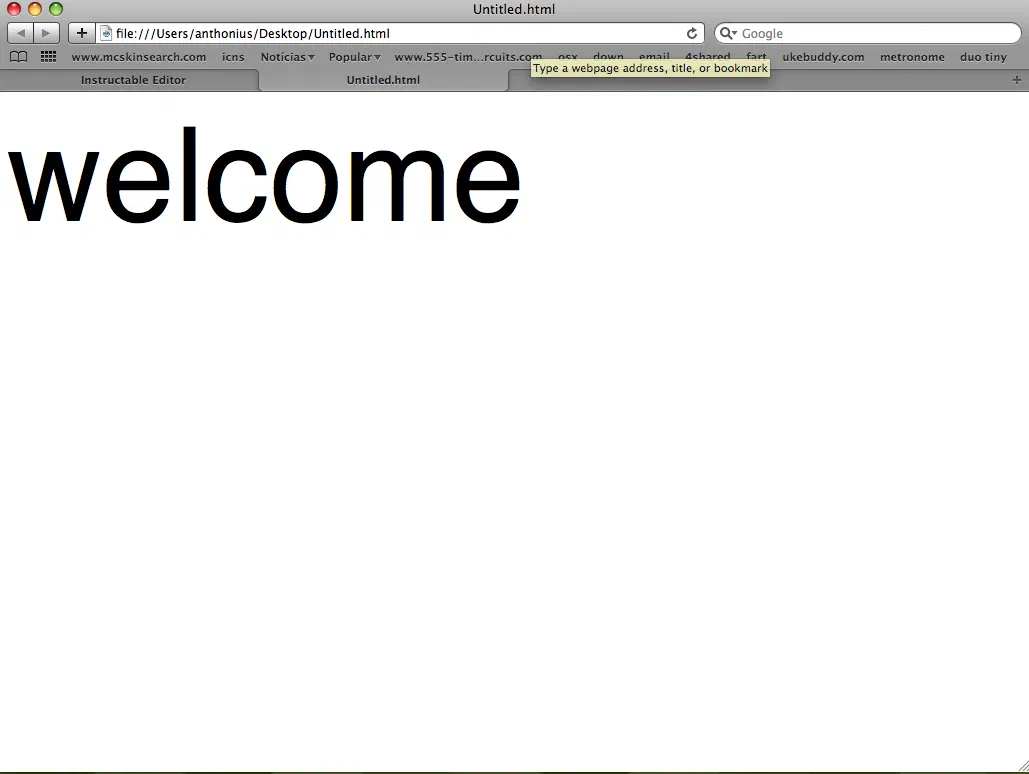
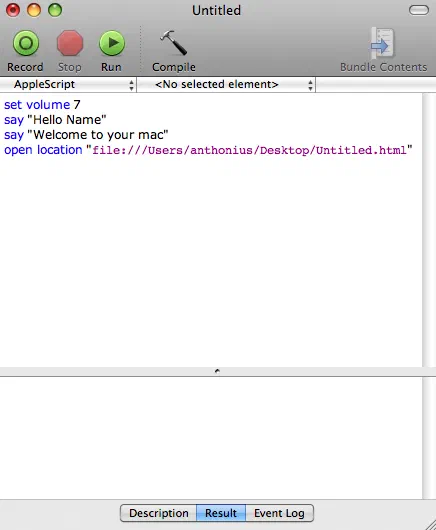
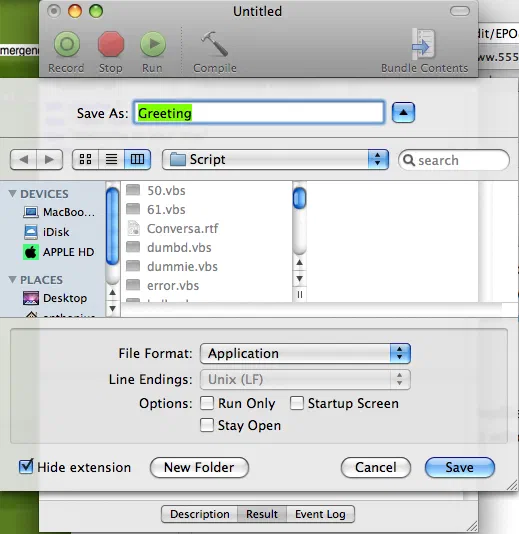
Next
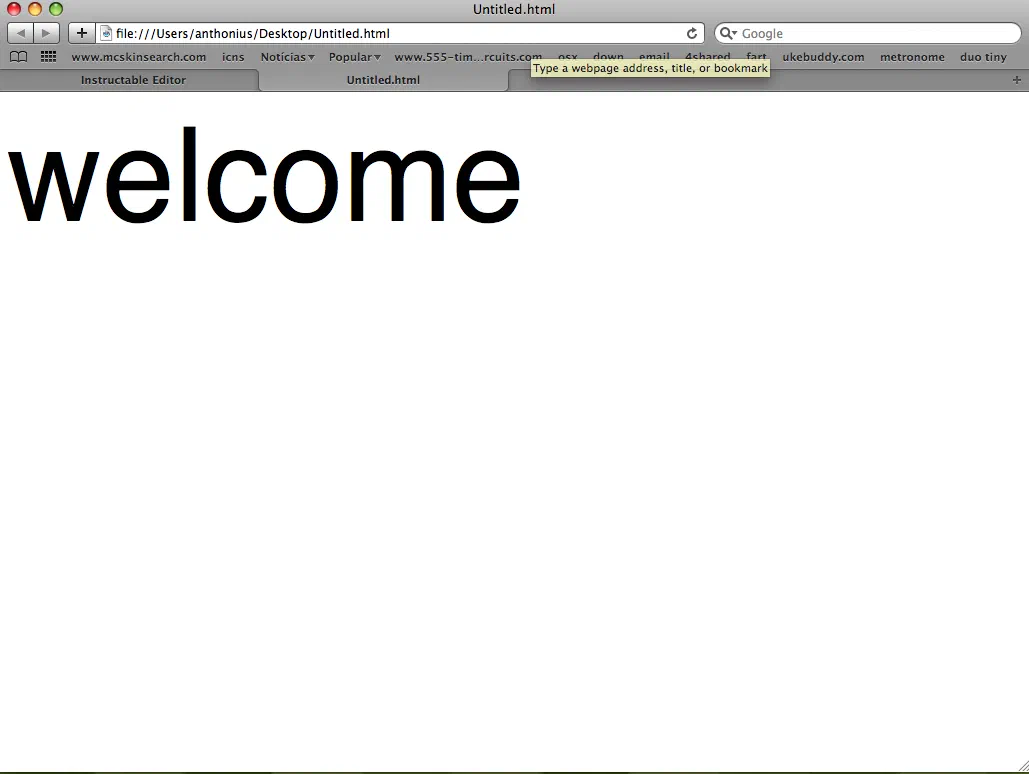
- Open the HTML file that we just made (it should open with Safari).
- Copy the address in the URL bar (main is
file:///Users/anthonius/Desktop/Eletronica/Script/base.html) - go back to your code and paste the address in the space where it says open location
- it should look like this
1set volume 7 say "Hello name"
2say "Welcome to your mac"
3open location "file:///Users/anthonius/Desktop/Eletronica/Script/base.html"
- Save the script as a app and close Script editor.
Step 4: Warnings

Warnings It is very important that you keep the two files that we made (html and app) or else the whole thing wont work. also after you did step 3 don’t move your html to another place.
Step 5: Test

Test Open the app that you made and click run. it should had said “hello your name, welcome to your mac” and opened the html file.
If it worked great if it did not than go back some steps you might had done something wrong.
Step 6: Last Step
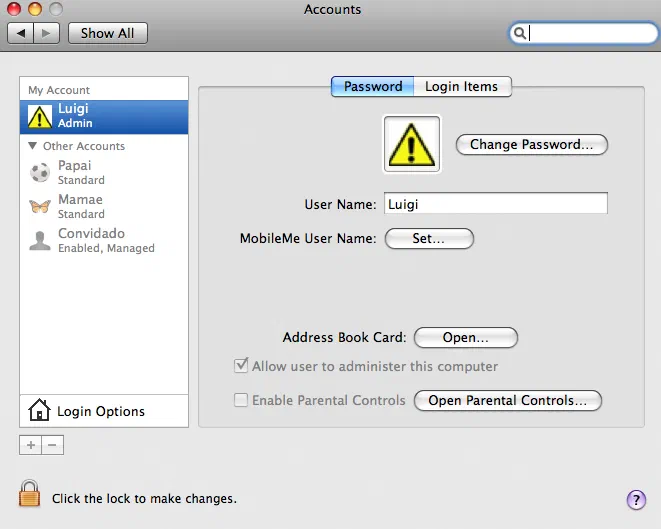
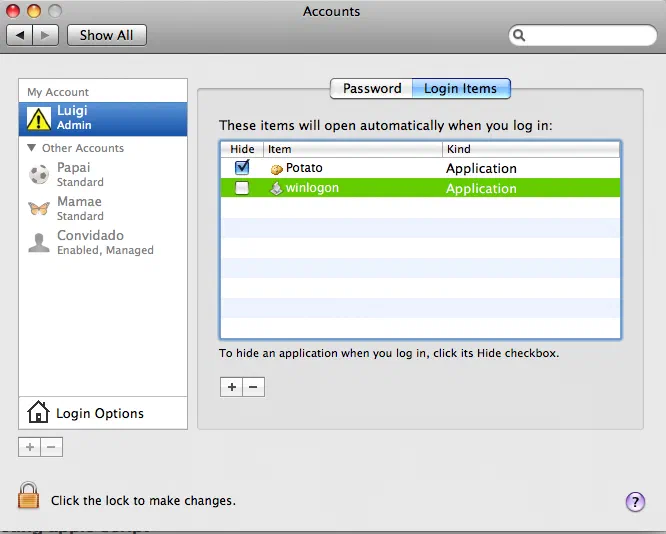
Last Step Open System Preferences and click on accounts and to login items click the plus and choose the app that we made.
Step 7: Done

Done Now every time you log in your mac will greet you.